Welcome to GossipFunda, your ultimate source for all things Android! While we have a soft spot for iPhones, we understand that Android users deserve their own space too. Here at GossipFunda, we’re dedicated to providing you with a wealth of tips, tricks, and solutions to help you make the most of your Android device.
Our team of Android enthusiasts is passionate about exploring the vast possibilities that these devices offer. We dive deep into the Android ecosystem to uncover the best tips and tricks that will elevate your Android experience to new heights. From hidden features and customization options to productivity hacks and performance optimizations, we’ve got you covered.
Are you eager to become a pro at taking stunning photos with your Android device? Look no further! GossipFunda is here to guide you through the art of smartphone photography. Our experienced photographers share their expertise, offering valuable tips on composition, lighting, editing apps, and more. With our guidance, you’ll capture breathtaking moments with ease.
But what about those occasional errors and glitches that can frustrate Android users? Don’t worry; we’re here to help you troubleshoot. GossipFunda provides step-by-step solutions to common Android issues, such as app crashes, system slowdowns, and connectivity problems. Our troubleshooting guides will empower you to resolve these issues efficiently and get your Android device back in optimal condition.
At GossipFunda, we believe in making technology accessible to everyone. We strive to simplify complex concepts and break down technical jargon, ensuring that our tutorials and guides are easy to follow. Whether you’re a tech-savvy user or a beginner, our content is designed to empower you to navigate your Android device with confidence.
Android Cast Screen to TV Without Chromecast: If you’re uninterested in squinting at your smartphone while watching a movie, wouldn’t it’s convenient if you’ll play it on a bigger screen?
In the ever-evolving digital landscape, deep links have become a pivotal aspect of enhancing user experience, especially in mobile applications. One such deep link that catches the attention of developers and tech enthusiasts alike is deeplink.com.google.android.inputmethod.latin. This intricate component plays a vital role in the Android ecosystem, specifically in the realm of input methods. In
Are you facing frustrating issues with your package installer on your device? If you find yourself constantly encountering the message “[Package Installer Keeps Stopping],” don’t worry – you’re not alone. Many users have experienced this problem, and it can be quite a headache to deal with. However, fear not, as we have prepared a comprehensive
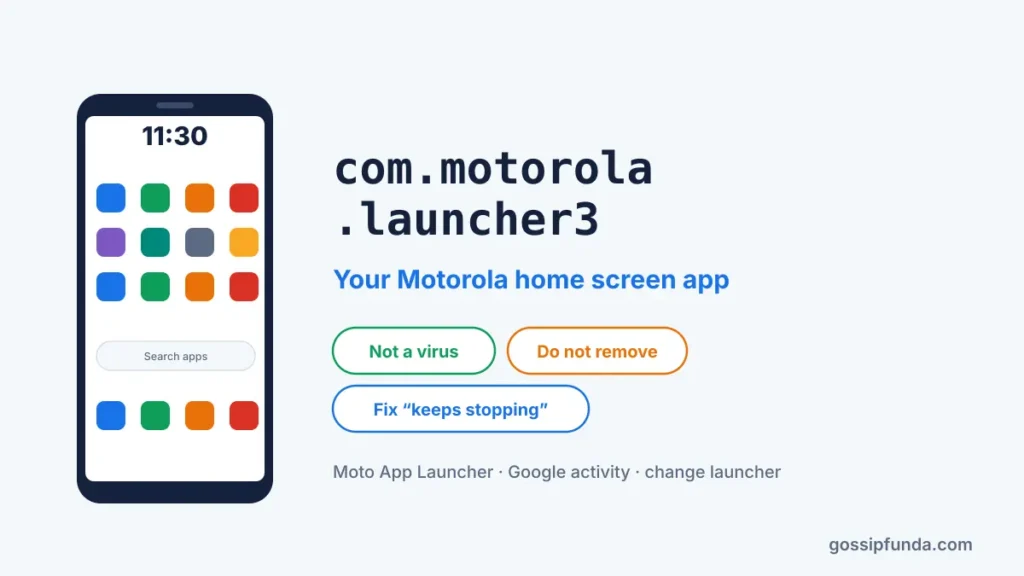
com.motorola.launcher3 is the package name of Moto App Launcher, the Motorola home screen. Here is why it shows in Google activity, whether it is safe, and how to fix it when it stops.
If you are a frequent user of Android Auto, you might have encountered “Communication Error 8” at some point. This error can be frustrating as it interrupts the smooth operation of the Android Auto interface, leaving you unable to make calls, send messages, or use any other features. In this article, we will explore the
MDE service framework is a system app that’s erected into the Android zilches. It’s a perpetration of the MediaPlayer interface that can play back a wide variety of media formats. In this composition, we will bandy what the app is and how to disable it from your phone. What is the MDE service framework on
The ICCID (Integrated Circuit Card Identifier) is a special number assigned to every SIM card that identifies the mobile device and its network account. By going to the settings menu and finding the SIM card section for Android phones, the ICCID can be discovered there. With its guarantee of network and device security and efficient
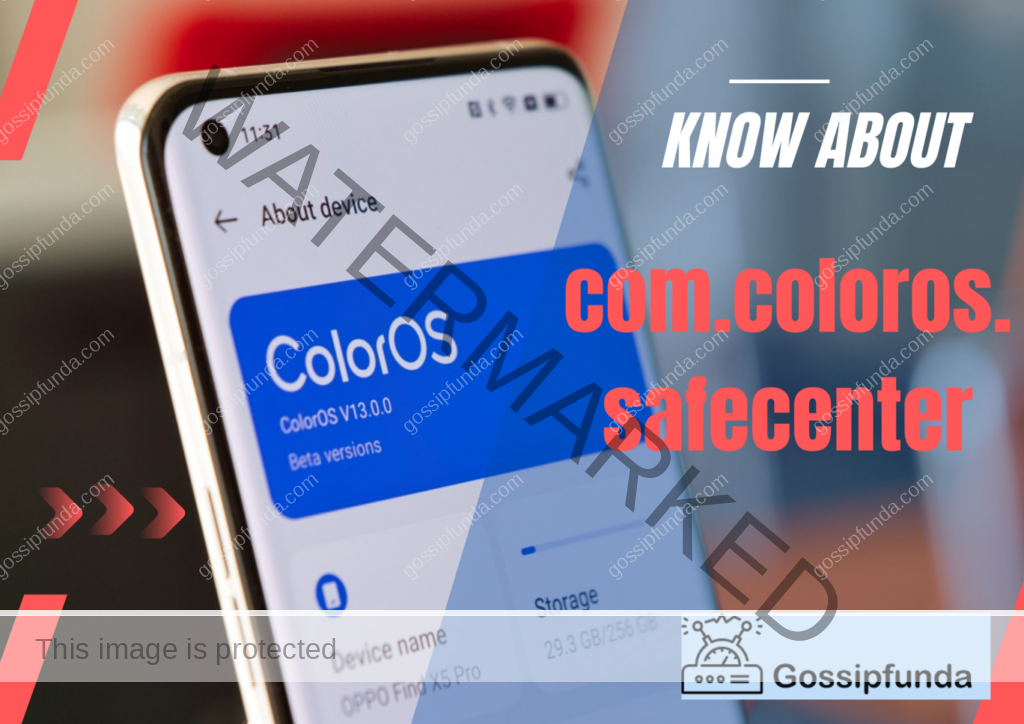
In today’s world, smartphones have become an integral part of our lives, and we store a lot of sensitive information on these devices. Having a trustworthy security application is crucial for keeping our data secure. On the majority of OPPO devices, one of the pre-installed app is com.coloros.safecenter. It is a thorough security application that provides
I have faced this issue today. Do you ever encounter a message on your Android device that says “System UI keeps stopping”? It can be a frustrating experience that can hinder your device’s functionality. The System UI is the visual interface that Android users interact with, and it is an essential component of the Android